Zero scroll jitter
Full Page capture stitches long pages and lazy sections once, so Bezier easing stays smooth without fighting mouse wheels or sticky headers.
 DocuMotion
Get it free
Turn your webpages, live tabs, and PDFs into directed-camera videos worth watching. On Windows, Chrome, or Firefox.
No account. Your content stays on your device.
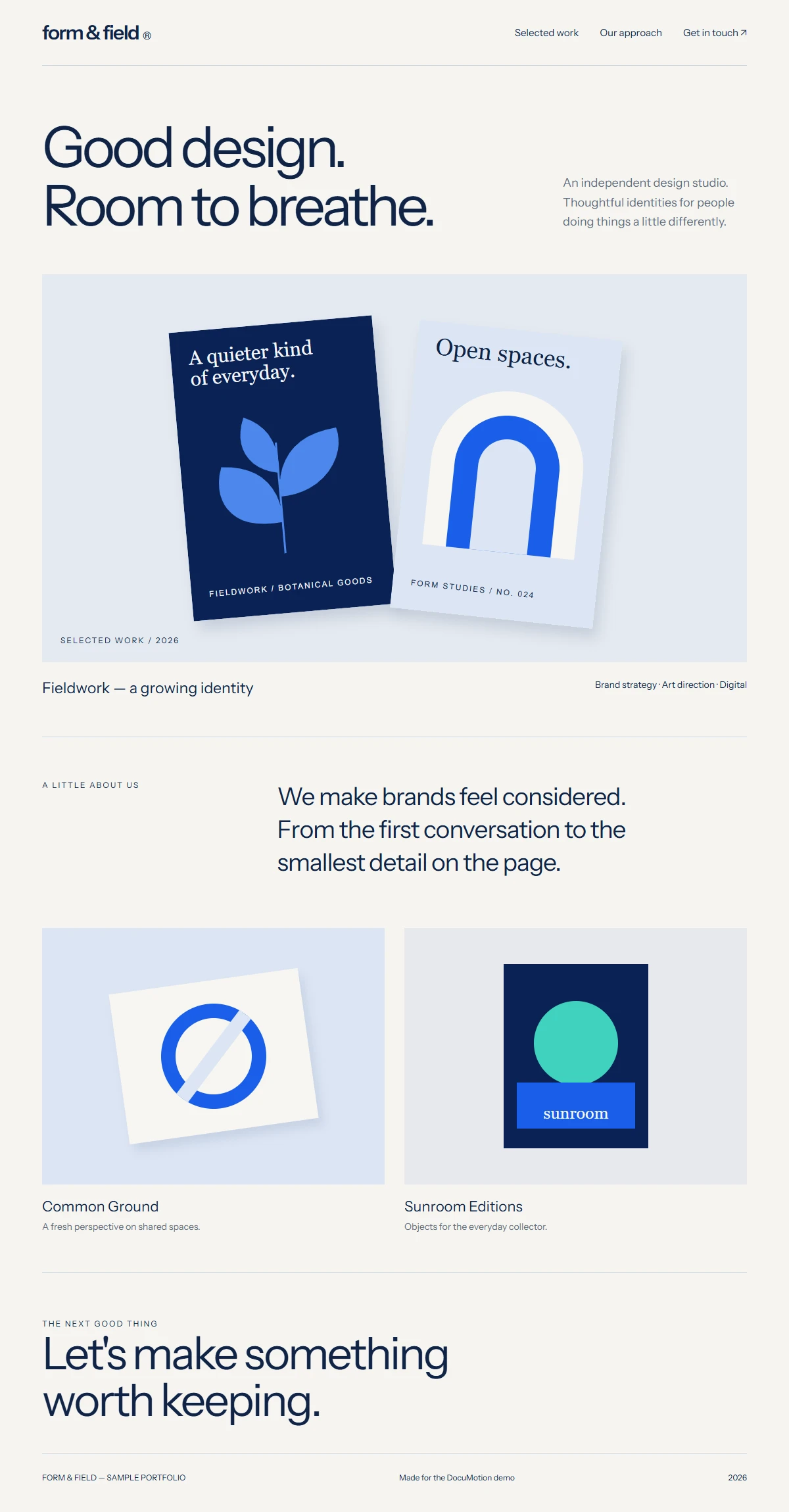
Capture once. Direct keyframes, zoom, and callouts without re-recording.
Watch the full 3-minute walkthroughA portfolio to show off. A lesson to explain.
A product that deserves a closer look.
Give people a reason to keep watching.
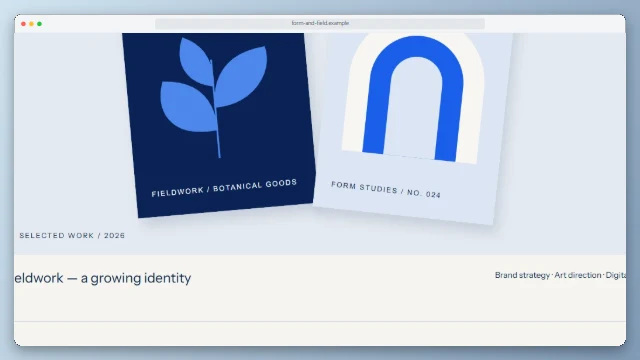
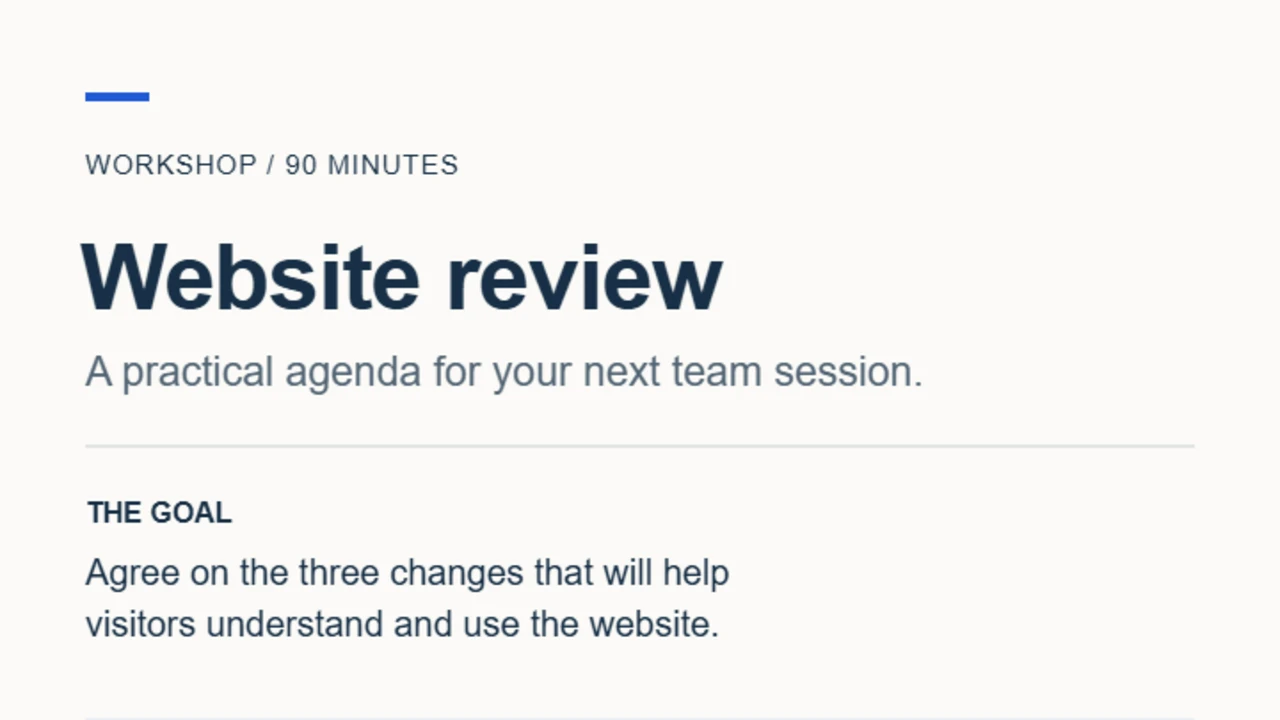 And from a document
Capture a whole webpage or import a PDF. With Pro, record a live browser clip in Windows or Chrome, too.
Set a smooth scroll. Add Pro camera moves, zooms, and callouts to guide the eye.
Export a WebM for free. Pro adds MP4, GIF, and portrait or square formats for your next post.
Screen recording traps mouse jitter, uneven scroll speed, and fixed framing. DocuMotion handles the hard parts automatically.
Full Page capture stitches long pages and lazy sections once, so Bezier easing stays smooth without fighting mouse wheels or sticky headers.
Direct the camera onto off-center cards, dense PDF rows, or fine print with Auto Camera keyframes and 1×–4× zoom. Re-time any stop later.
Place up to 24 timed text boxes, 8-direction arrows, and highlight frames right on the preview—no external timeline suite needed.
Duplicate one project into 16:9 widescreen, 9:16 Reels or Shorts, and 1:1 square—or trim Live Browser clips non-destructively.
Frame the detail. Highlight the important bit.
Make one capture work in more places.
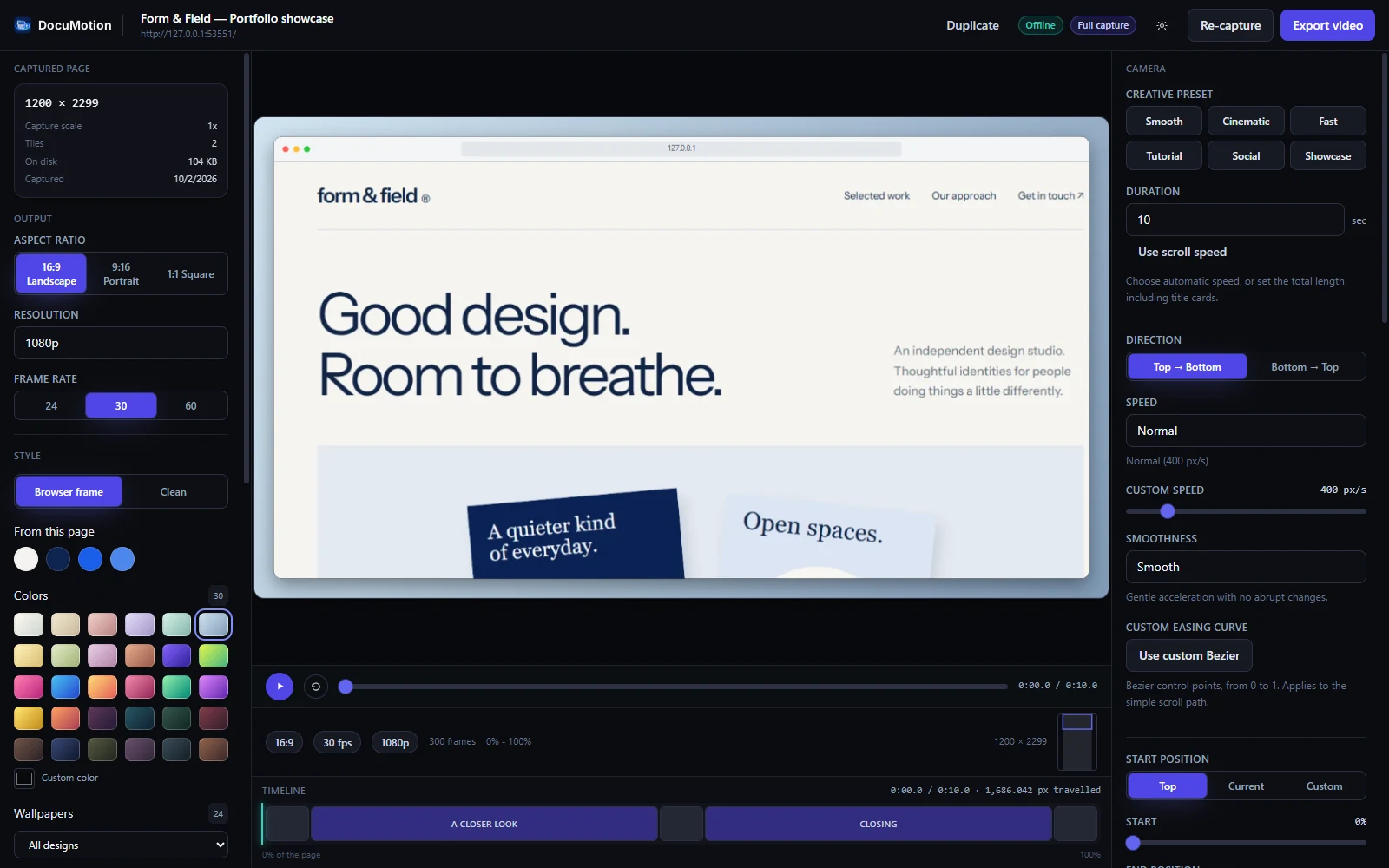
Every capture, edit, soundtrack, and export runs locally on your device—no cloud queue or re-recording.
Full-page tile stitching handles lazy sections and sticky headers, with 1-click Re-capture plus local or URL PDF import (including password-protected files up to 64 MB / 300 pages).
Auto Camera scans DOM headings and landmarks to plot smart stops. Fine-tune X, Y, 1×–4× zoom, 6 creative presets (Smooth, Cinematic, Fast, Tutorial, Social, Showcase), holds, and custom Bezier curves.
Auto light/dark browser frame or clean canvas, page-sampled palettes, 30 gradients, 24 wallpapers across 6 collections, padding, corners, shadows, and intro/outro title cards.
Kickstart demos with Website Launch, Portfolio Reveal, and Product Feature templates (1-click Undo), plus up to 24 timed text boxes, 8-direction arrows, and highlights with canvas drag handles.
Record interactive tabs cleanly (2–120s with optional cursor hiding), trim clips non-destructively while keeping originals, adjust Fit/Fill/Crop zoom, and mix local MP3, WAV, or M4A audio.
Duplicate any project into 16:9, 9:16, and 1:1 without re-capturing. Export free 720p WebM, or unlock Pro WebCodecs MP4, WebM, and animated GIF (5–20 FPS) up to 4K at 60 FPS with bitrate control.
Your one-time Pro license covers up to 3 active installations across Windows, Chrome, and Firefox.
Built-in sandboxed browser (no Chrome needed), Full Page capture, PDF import, multi-aspect Live Browser recording (16:9, 9:16, 1:1 directly from the editor), encrypted license vault, and automatic updates.
Get it for WindowsCaptures your active Chrome or Edge tabs directly (Chrome 116+), with Full Page capture, PDF import, Live Browser tab recording, non-destructive clip trimming, and the full local studio.
Add to ChromeCaptures your open Firefox tabs with scrolling Full Page capture, PDF import, Auto Camera keyframes, styles, callouts, templates, and local rendering. (Live Browser recording is exclusive to Windows & Chrome.)
Add to FirefoxFrom the first capture to the final export.
Three minutes inside DocuMotion.
Real product. Real walkthrough.
Captions included. Jump straight to any tool.
Make your first video with Free.
Go Pro when you want more creative control.
One payment. No subscription.
From page to your first video.
$0Free to use
Your small but mighty video studio.
$4.99One-time payment
Get DocuMotion ProUp to 3 active installations No recurring bills.
Install Free, then activate your key in Settings → Licensing. Pro includes renewable 7-day offline access between online license checks. Live Browser recording is available in the Windows app and Chrome extension; Firefox supports Full Page capture and PDF import.
*Formats, resolution, and frame rates depend on your browser and device. GIF: 5–20 FPS, without audio. Payments handled by Polar.
No. DocuMotion processes captured pages, PDFs, local audio, and exports on your device. Importing a PDF link contacts its source site and may use that site’s cookies. Pro contacts the licensing service to verify or release an installation, without sending captured content. Read the privacy details.
Yes. Full Page mode saves the webpage so you can adjust the camera, styles, or format without capturing it again. Pro also lets you trim Live Browser recordings and add callouts and local audio.
Yes. Import a local PDF or a PDF link, including password-protected files. Free supports up to 64 MB and 300 pages. Long documents may render at a lower resolution.
Yes. $4.99 through Polar, with no subscription, for up to three active installations. Release a license slot online when moving to another computer. Pro stays available offline for up to seven days between license checks.
The Windows app includes a built-in browser for webpage capture, Live Browser recording, and PDF import. To capture pages directly from your open browser tabs, use the Chrome extension (Chrome 116+ with Live Browser recording) or the Firefox add-on (scrolling full-page capture and PDF import). All editions process media locally on your device. Browser settings pages, extension stores, protected media, and some embedded frames cannot be captured.
Windows app · Chrome & Firefox extensions · Free to start